The IEEE Xplore AI Research Suite provides a new set of AI-powered features that enhance a user’s experience with IEEE Xplore. These features allow users to easily search and discover articles of interest from both IEEE and other STEM publishers, accelerate their understanding of individual papers, and gain new insights
IEEE Research Navigator IEEE Research Navigator, powered by IEEE Xplore AI, provides an advanced query tool for journal articles and conference papers
published by IEEE as well as a specially curated database of other publishers focused on STEM- related fields of study—all in one place.
Key Benefits of IEEE Research Navigator
- Time Savings: Quickly understand more about your topic with the IEEE AI Overview and AI Article Summaries.
- Coverage: AI Search provides access to an extensive range of STEM metadata from journal articles and conference papers. While the search is broader than the typical IEEE Xplore search, the selection is curated to scholarly articles in STEM, without the typical noise of other tools.
- User-Friendly Interface: As users type their searches, the system gives smart keyword suggestions, to quickly refine their search terms. It allows users to input freeform semantic queries, tailoring the search process to individual research needs.
For User
- AI powered search/summarization going beyond traditional keyword search
- Users can execute a free-form search and get a summary and links to most relevant articles by understanding the intent and meaning of queries
- Learn quickly about the query topic with the IEEE AI Overview and gain insights into
the content of an article with AI Article Summaries - Discover highly relevant journal articles and conference papers from both IEEE and
other STEM publishers, covering Computer Science, Engineering, Mathematics, Material Science, and Physics
STEP 1: Log in to IEL/IEEE (if you are on your school's IP address, simply click the URL (https://ieeexplore.ieee.org/). If you are off-campus, please set up a VPN. VPN tutorial URL is available here.

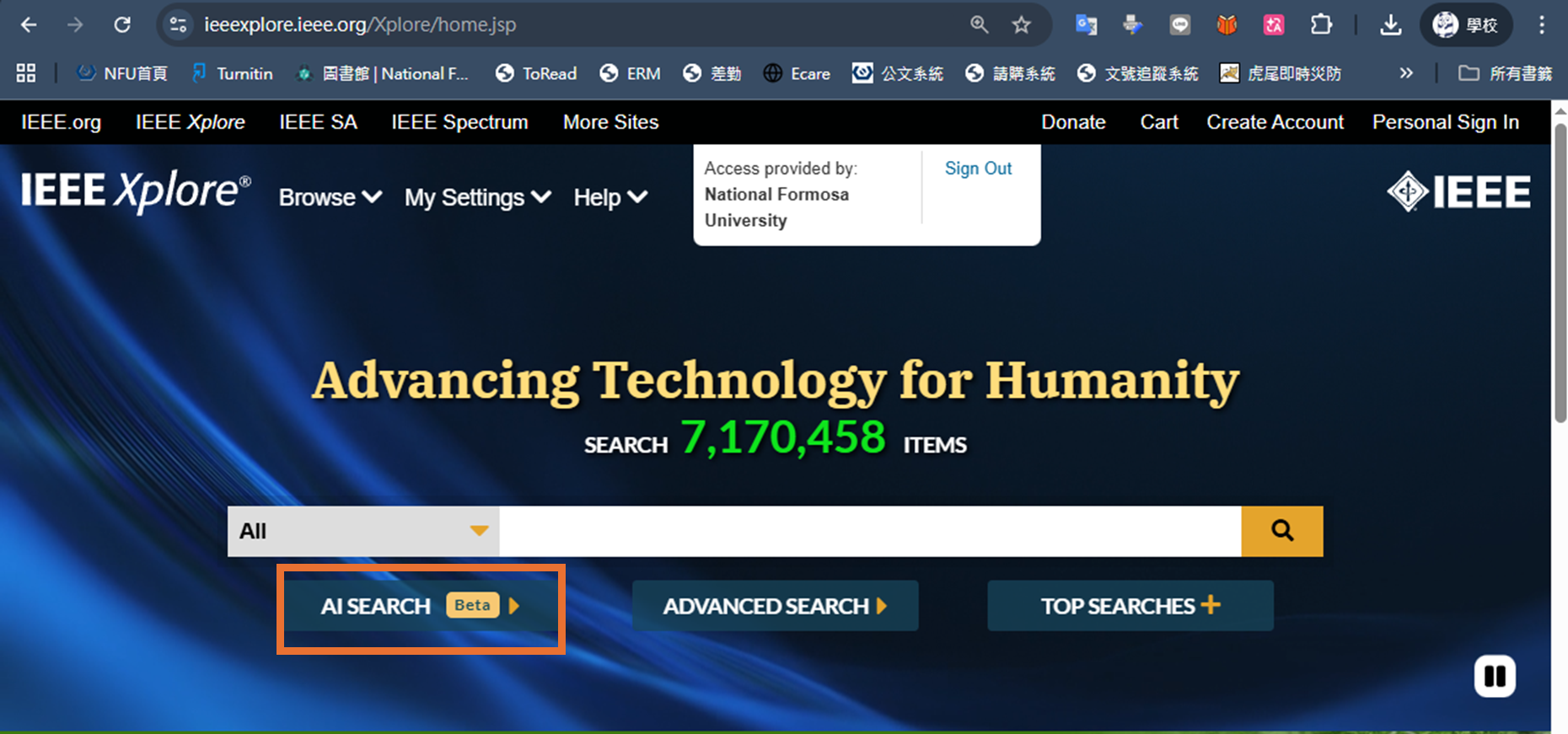
STEP 2;you will see an AI Search button beneath the search bar on the homepage
 STEP 3:Initiating a Search from IEEE Research Navigator
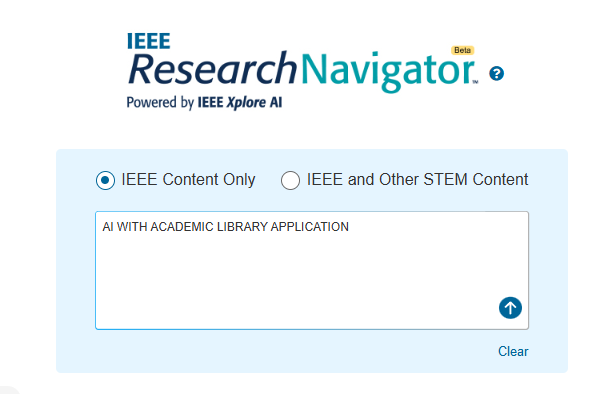
- From the IEEE Research Navigator page, you can begin your search by leveraging the large search box provided.
-
You can search IEEE content only or expand your search to other STEM content that has been indexed.
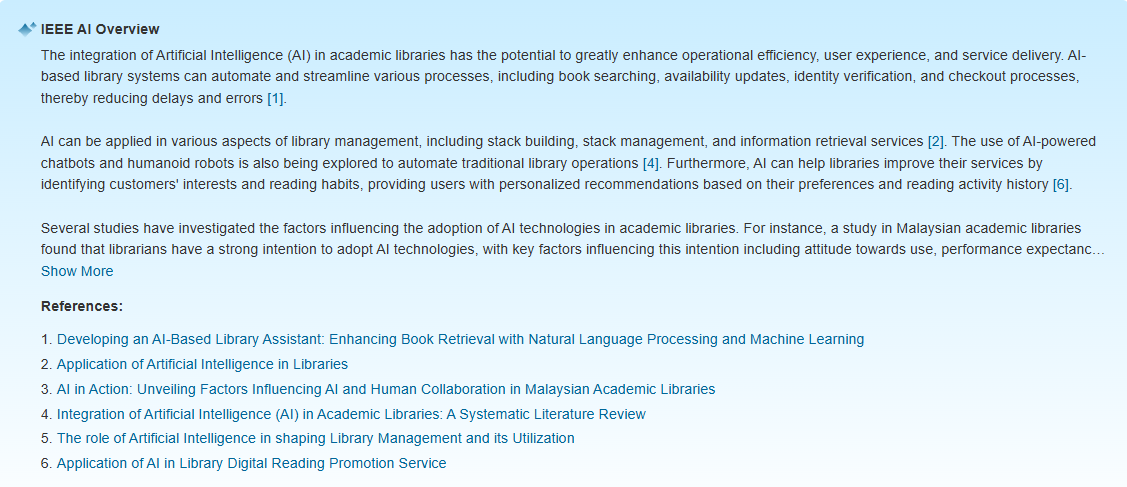
- At the top of the search results, a panel called “IEEE AI Overview” shows the IEEE Large Language Model (LLM) response to the user query.
- This summary is dynamically generated using content extracted from the top search results, which are ranked by relevance and aims to directly address the user’s query.
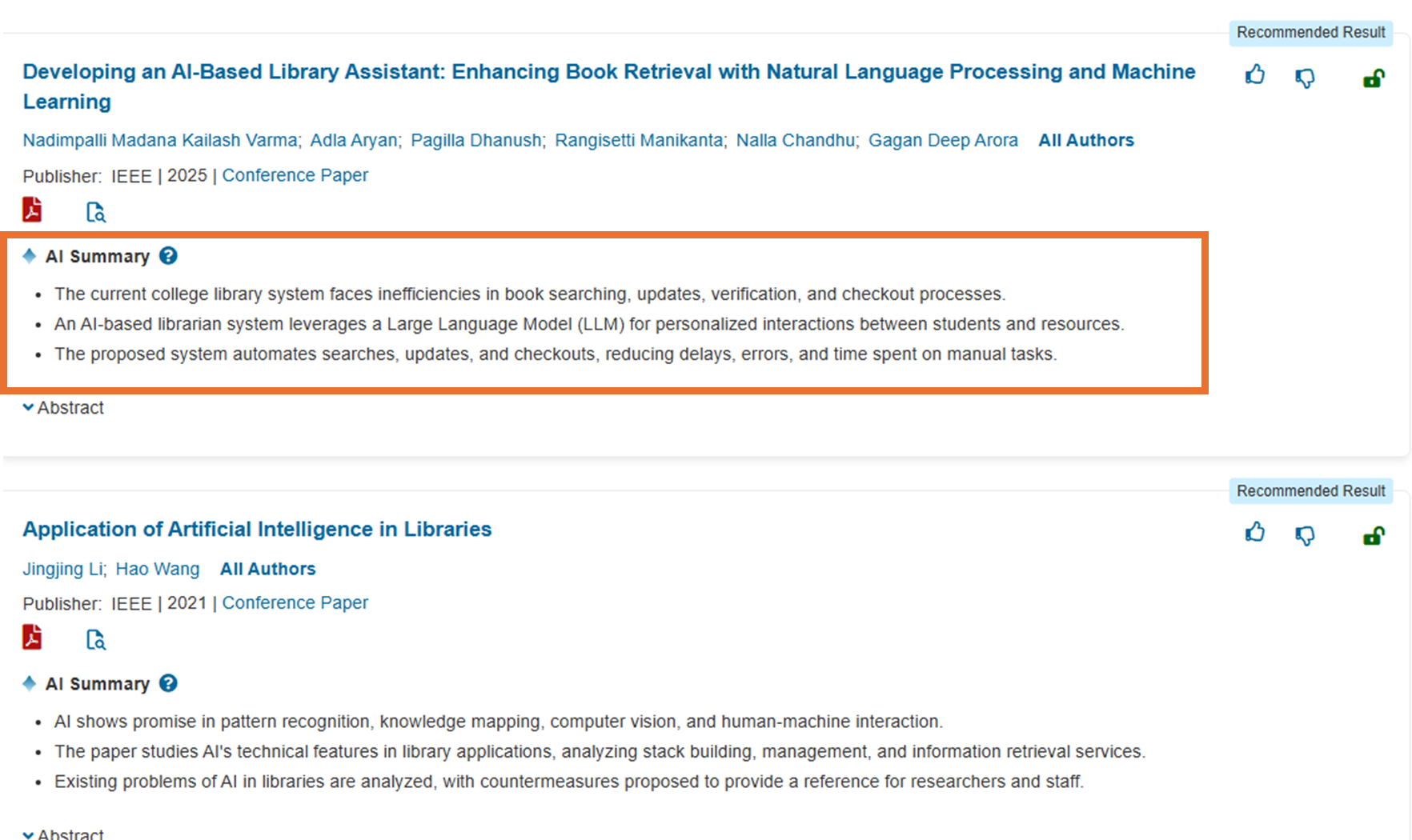
- Each Summary shows three key points of the article derived from the full-text and abstract.
- The AI summary provides a short synopsis of the article so that the user can quickly understand why the article was retrieved and decide whether to continue to the full article.